Google Nest Hub Digital Photo Frame: Is It Worth It?


A Google Nest Hub shows a photo in digital frame mode.
A Google Nest Hub can work well as a digital photo frame if you want a compact display that also handles everyday smart-home tasks. It is best for Google Photos users who value convenience more than a traditional frame-like look.
A Google Nest Hub can work well as a digital photo frame if you want a screen that does more than show pictures. It is usually best for people who already use Google Photos, want a compact smart display, and prefer convenience over the presentation quality of a dedicated frame.
- Best fit: Kitchens, bedside tables, home offices, and family spaces.
- Main advantage: It combines photo display with clocks, reminders, and voice features.
- Main limitation: It looks more like a smart screen than a decorative frame.
- What to verify: Screen specs, privacy controls, Google Photos support, and power placement.
Google Nest Hub Digital Photo Frame: Is It a Good Choice?
The short answer is yes, for the right room and the right expectations. A Google Nest Hub is less like a traditional picture frame and more like a small smart display that can cycle through your photos, show helpful information, and blend into daily life on a counter or shelf.
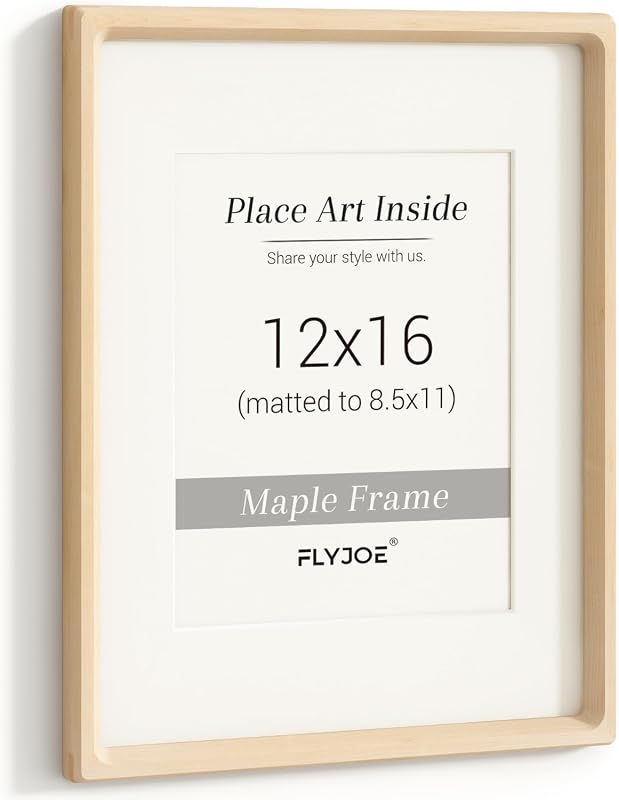
That makes it appealing for kitchens, bedrooms, and family spaces where the display can serve a practical purpose as well as a decorative one. If your main goal is a simple, always-on object that presents artwork or photographs with the look of a framed print, a dedicated digital frame or a physical option such as a thin wood poster frame may feel more intentional.
What a Google Nest Hub Can and Cannot Do as a Digital Photo Frame
The Nest Hub’s biggest advantage is that it is easy to use as part of an existing Google account. It can rotate personal photos, display time and weather, and act as a hub for reminders, timers, music, and smart-home controls. That versatility is the main reason people consider it as a digital photo frame in the first place.
Photo display quality, screen size, and always-on behavior
Photo quality depends on the specific Nest Hub model, screen resolution, ambient light, and how far away you are viewing it. In general, the display is small compared with a television or a large tabletop frame, so it works best when you expect a compact, close-up view rather than a gallery-style presentation.
Always-on behavior also varies by model and settings. Some users want a screen that stays visible throughout the day, while others prefer a display that dims or turns off when the room is dark. If you care about a true frame-like look, check the current model’s display brightness controls, ambient light response, and whether the screen can be set to show only photos for long stretches.
How Google Photos integration affects everyday use
For many people, the real appeal is the connection to Google Photos. If your images are already organized there, it is easier to create a rotating display without importing files to a separate app or managing a memory card. That convenience can make the Nest Hub feel less technical than many stand-alone digital frames.
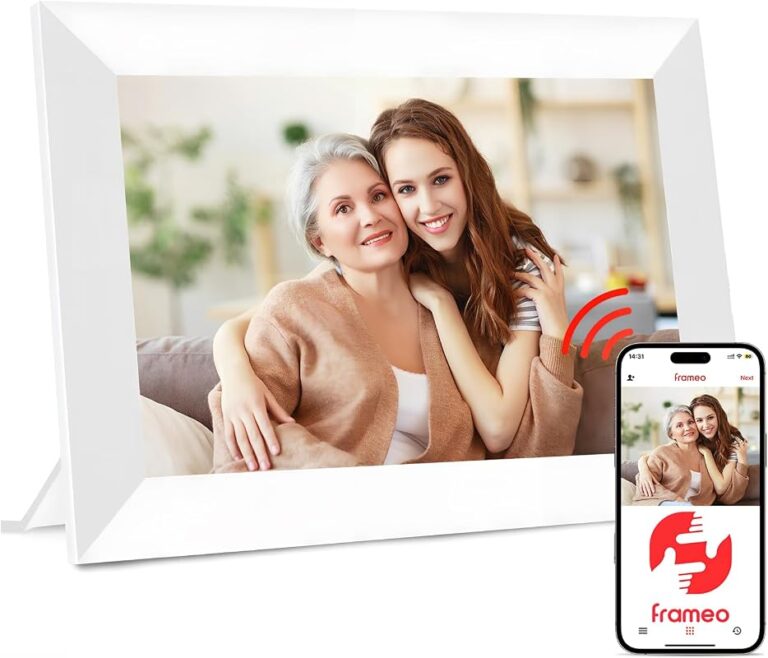
There is a tradeoff, though: the experience is tied closely to Google services. If you do not use Google Photos regularly, or if you want a frame that works independently of a cloud account, the Nest Hub may feel less flexible than a dedicated device. Readers comparing cloud-based options may also find our guide to digital photo frame Google Photos useful.
Exact display size, resolution, and feature set depend on the Nest Hub model and retailer listing, so confirm the current specifications before buying.
Who It Suits Best and Which Rooms It Fits
The Nest Hub suits people who want a photo display that also earns its place by doing everyday tasks. It is especially useful in rooms where you naturally glance at a screen during the day.
Kitchen counters, bedside tables, home offices, and family spaces
Kitchen counters are one of the strongest fits because the device can show recipes, timers, and calendar reminders between photo rotations. Bedside tables are another natural location, especially if you want a compact screen that can double as an alarm clock or weather display.
Home offices and family spaces also benefit from the multitasking side of the device. In a work area, it can provide a small visual break with personal photos while still remaining useful for schedules and notifications. In a family room, it can display memories without taking over the wall the way a large television might.
When a smart display works better than a traditional frame
A smart display is often the better choice when you want one object to do several jobs. If the room is tight, the Nest Hub can replace a separate clock, speaker, timer, and photo frame. That can be especially valuable in apartments, dorm-style setups, or compact homes.
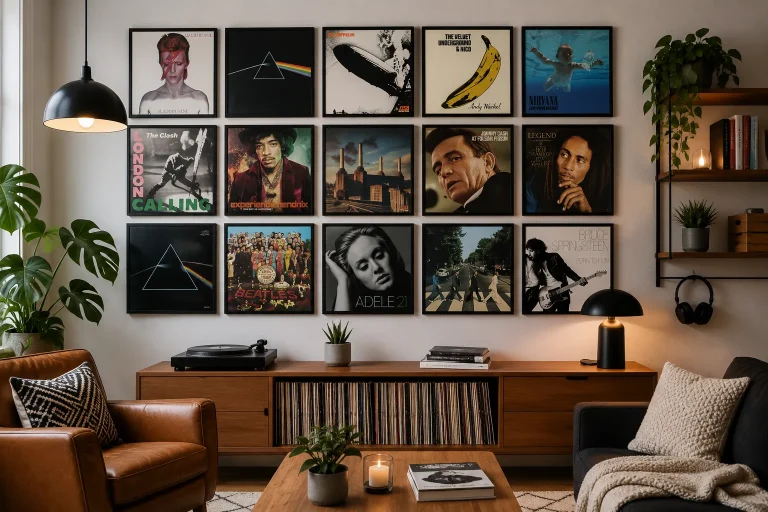
A traditional frame still wins when the goal is visual purity. Printed art, framed photography, and wall pieces usually look more deliberate, more tactile, and less screen-like. For readers who want a more decorative wall-led approach, a gallery-style solution such as gallery wall frame sets may be a better design fit.
What to Look For Before Buying
Before choosing a Nest Hub for photo display, think beyond the smart features. The most important questions are how the screen will look in your room, where it will sit, and whether the device’s privacy and power setup match your routine.
Screen size, resolution, brightness, and viewing angles
Screen size matters because a small display can disappear in a larger room, while a larger one may feel too tech-forward on a narrow shelf. Resolution affects how crisp faces and landscapes appear, but photo quality also depends on viewing distance and image source quality. Brightness is important near windows or bright kitchens, where glare can flatten the image.
Viewing angles matter more than many buyers expect. If the display will sit low on a counter or off to one side, check how the screen looks from above and at an angle. A photo frame should still feel readable and pleasant even when you are not standing directly in front of it.
Privacy controls, voice features, and smart home compatibility
Because the Nest Hub is also a voice assistant, privacy settings deserve attention. Review microphone controls, camera availability if applicable to the model, and how the device handles voice history or personalized content. If you plan to place it in a bedroom or shared space, make sure those controls feel comfortable for everyone in the room.
Smart home compatibility can be a major advantage if you already use Google-connected devices. But if you want a simple photo display with no assistant functions, you may be paying for features you do not need. In that case, a dedicated frame can be a cleaner fit.
Power source, footprint, and placement flexibility
The Nest Hub requires power, so placement depends on outlet access rather than true cordless flexibility. Measure the counter, shelf, or table before buying so the base does not crowd other items. The footprint is usually modest, but it still needs breathing room to look intentional rather than squeezed in.
If you are comparing it with other compact displays, also think about cord direction and cable visibility. A tidy power run matters in visible spaces, especially if you want the device to feel like decor rather than office equipment. Wifi photo frames can offer a similar convenience profile, though the interface and display style may be quite different.
- Confirm the exact Nest Hub model and current screen specifications
- Check whether you use Google Photos enough to make the display easy to manage
- Measure the space so the footprint and cable path feel neat
- Review privacy and voice settings if the device will sit in a shared room
Styling the Nest Hub as Part of Your Decor
The Nest Hub can blend in surprisingly well if you treat it like a decor object instead of a gadget. The goal is to make the screen look intentional in the room, not visually random.
Matching finishes and screen content to modern, minimalist, or family-style interiors
In modern or minimalist interiors, a neutral finish and a restrained photo playlist usually work best. Black-and-white images, landscapes, or calm family portraits can help the screen feel more like a curated object and less like a busy device.
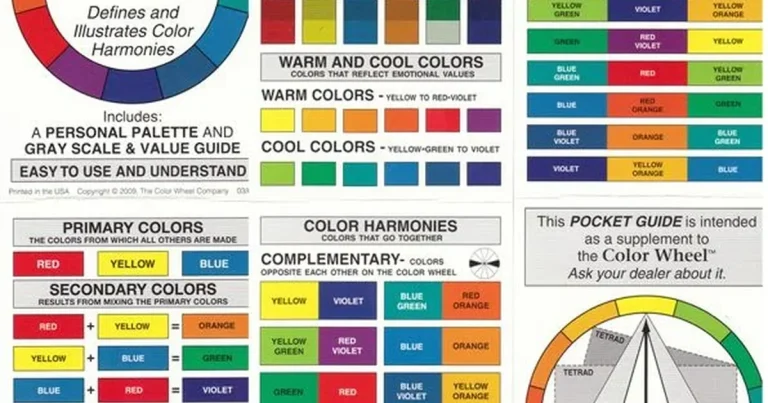
In family-style rooms, brighter and more casual images can make the display feel warm and personal. The key is consistency: if the room already has a soft color palette, avoid photos that clash strongly with the surrounding decor. If you enjoy a lighter, more transparent presentation style, our guide to the acrylic glass picture frame guide can help you think through visual clarity and finish choices.
Placement ideas for shelves, counters, and compact wall-adjacent spaces
Place the Nest Hub where it can be seen without competing with the room’s main focal point. A kitchen counter corner, a bedside table, or a narrow shelf near a hallway can all work well if the screen is not blocked by lamps, cookbooks, or plants.
For compact wall-adjacent spaces, think in layers. A small smart display can sit in front of a framed print, beside stacked books, or next to a vase, as long as the arrangement still looks balanced. The room should feel styled, not crowded.
Choose photo content that matches the room’s mood. Calm, consistent images usually make a smart display feel more like decor and less like a notification screen.
Benefits, Limitations, and Common Mistakes
The Nest Hub has clear strengths, but it is not a perfect substitute for a dedicated photo frame. Understanding both sides helps you avoid disappointment.
Strengths for convenience, rotating memories, and multi-purpose use
The biggest strength is convenience. One device can rotate memories, show the time, answer questions, and support household routines. That flexibility is especially useful in rooms where utility matters as much as style.
It is also a good option for people who like seeing different images over time. Instead of committing to one print, you can cycle through family photos, travel shots, or seasonal images without replacing anything on the wall.
- Easy Google Photos integration for many users
- Useful beyond photos, including clocks, reminders, and smart-home control
- Compact enough for counters and small tables
- More screen-like than frame-like in appearance
- Dependent on Google services and settings
- Not ideal if you want a purely decorative art object
Limitations in art presentation, glare, and reliance on Google services
If your main goal is to present art beautifully, the Nest Hub has limitations. A screen can look bright, reflective, or digital in a way that printed art does not. That is fine for some spaces, but less ideal in rooms where you want a soft, gallery-like effect.
Glare can also reduce the experience near windows or under strong lighting. And because the device relies on Google services for its easiest photo workflow, it may not suit buyers who prefer local storage or a more platform-neutral setup.
Common setup and styling mistakes to avoid
One common mistake is placing the display where it is too small for the room. Another is filling the photo rotation with too many unrelated images, which can make the screen feel visually noisy. A third mistake is ignoring cable management, which can undermine an otherwise polished setup.
It is also easy to overestimate how much the device will function like a traditional frame. If you want a display that disappears into the decor, a smart screen may never fully do that. In those cases, a physical frame or a wall-based solution may be more satisfying.
- Match the screen’s role to the room’s daily routine
- Use a small, curated photo set for a cleaner look
- Keep cords and surrounding objects visually tidy
- Expecting it to look exactly like a framed print
- Placing it in direct glare without checking visibility
- Buying without confirming the model’s photo and privacy features
Comparison Guide: Nest Hub Versus Traditional Digital Frames and Wall Art
Choosing between a Nest Hub, a dedicated digital frame, and wall art comes down to purpose. Each one solves a different problem, even though they can all display images.
Where a smart display wins on utility
The Nest Hub wins when you want photos plus daily functions. It is useful in kitchens, bedrooms, and shared spaces where a screen can handle more than one task. If you value reminders, timers, weather, or voice control, the extra functionality may justify the device’s less frame-like appearance.
This is also why it can make sense in homes that already use smart speakers or smart lighting. A display that helps run the room can feel more useful than one that only rotates pictures.
Where a dedicated photo frame or poster hanger is the better fit
A dedicated photo frame is better when the image itself is the main event. It usually offers a more presentation-focused experience and may feel less distracting in a living room, hallway, or reading nook. If your space leans toward printed decor, a traditional frame often looks more natural.
For wall art, a physical print still has the strongest decorative presence. That is where a simple frame or a hanging system from the magnetic poster hangers category can be especially effective, because the artwork becomes part of the room rather than part of a device interface.
Care, Maintenance, and Long-Term Value
Long-term satisfaction depends on keeping the display clean, the setup tidy, and the content fresh. A little maintenance goes a long way with any screen-based decor item.
Cleaning the screen, managing cables, and keeping the display fresh
Use manufacturer-approved cleaning guidance for the screen and avoid harsh products that can damage coatings. Dust the stand and surrounding area regularly so the display does not look neglected. Cable management also matters over time, especially in visible rooms where clutter tends to collect quickly.
To keep the display fresh, update the photo set occasionally. Seasonal albums, travel highlights, or family milestones can prevent the screen from becoming background noise. If the same images stay up for months, the novelty fades faster.
Do not use abrasive cleaners, and keep the device away from excessive moisture, direct heat, or unstable surfaces. Always follow the current care instructions for the exact model you buy.
Value considerations for gifting, everyday use, and room updates
As a gift, the Nest Hub can be thoughtful if the recipient already uses Google Photos or wants a smart display for a kitchen or bedroom. It is less ideal as a purely decorative gift for someone who prefers framed prints or does not want voice-assistant features.
For everyday use, its value comes from being useful even when no one is looking at the photos. That practical layer can make it a better purchase than a device that only displays images. For room updates, it is also easier to reposition than wall art, since it does not require a full hanging plan.
- Best for people who want one device to handle photos and everyday smart-home tasks.
- Works especially well in kitchens, bedrooms, and compact family spaces.
- Not the best choice if you want the refined look of printed art or a traditional frame.
- Confirm the current model’s display, privacy, and Google Photos features before buying.
Final Recommendation: Should You Use a Google Nest Hub as a Digital Photo Frame?
Yes, if you want convenience, smart-home utility, and easy access to Google Photos in one compact device. It is a strong choice for practical rooms and for buyers who value rotating memories without giving up everyday usefulness.
No, if your priority is the most elegant possible presentation of photos or art. In that case, a dedicated digital frame, a printed poster, or a well-chosen wall hanging will usually look more deliberate and more decor-forward.
Frequently Asked Questions
Yes, if you want a compact display that also handles everyday smart-home tasks. It is less ideal if you want the most frame-like presentation possible.
Kitchens, bedside tables, home offices, and family spaces are usually the best fits. These rooms benefit from both the photo display and the device’s practical features.
Check the exact model’s screen size, resolution, brightness, privacy controls, and Google Photos support. Also confirm that the footprint and power cord will work in your space.
It works best for photo display when you already use Google Photos. If you prefer local storage or a platform-neutral setup, a dedicated digital frame may be easier.
Use a curated photo set, place it where it has breathing room, and manage the cable neatly. Matching the photo style to the room’s color palette also helps it blend in.
Its biggest limitation is that it still looks like a smart screen, not a traditional frame. It also depends on Google services, which may not suit every buyer.